
Blog2Video - The story behind it and the journey so far!
The complete inside story behind blog2video.app

A few weeks ago, I was sitting in my room, anxious about a problem I had seen for quite some time. I have relied on writing to be the main marketing channel for my business, but in recent years video platforms, specifically short-term video, have dominated consumer mind share, with attention spans shrinking. I needed to fix this by either becoming an influencer myself or getting someone to make videos out of my written content.
I tried hiring someone to turn my blog posts into videos for YouTube, but it didn’t work out. Each video required at least five hours of editing and production, which added up to around $30K for about 50 Substack posts—making it economically infeasible.
Instead of giving up, I decided to try doing it myself—not by opening video editing software, but by using Cursor (a coding agent). I came across Remotion, which lets you create videos using React code, and started prompting my way through it. To my surprise, the results were great. All I had to do was download my blog, give the coding agent a specialized prompt, and—voilà—I had a video. With just minor edits, I was able to get most of what I wanted.
Realizing I wasn’t the only one facing this problem, I built a full interface, productionized the video generation process, and hosted it. After just 50 signups, blog2video got its first paid user—on the annual plan, no less. That’s how the whole journey began. Next, I’ll walk you through the all the major updates and what’s coming next.
Scroll to the bottom of the post for a surprise!
New Features added since launch
At launch, the product was in its MVP state—we only had one template, just four voiceovers, and no real editing capabilities. Since then, we’ve added:
New Templates — Launched 10 expert-made templates designed for finance, politics, history, and economics content.
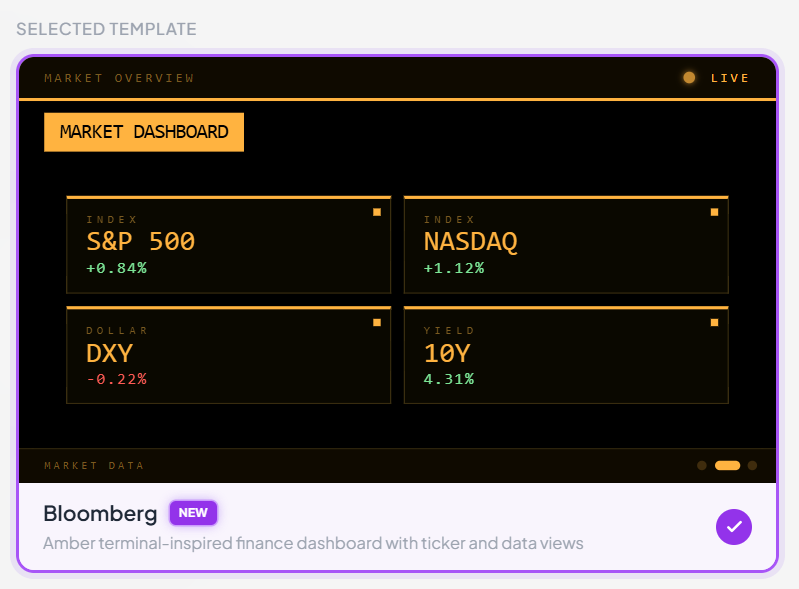
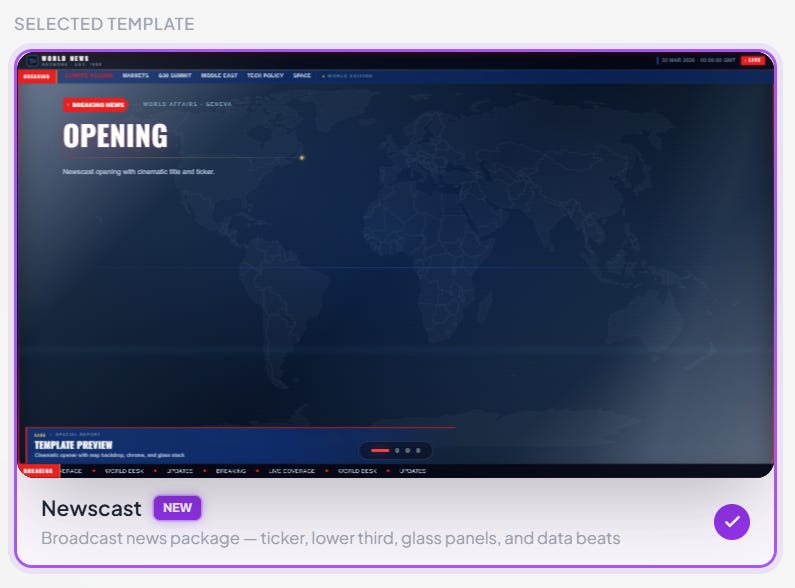
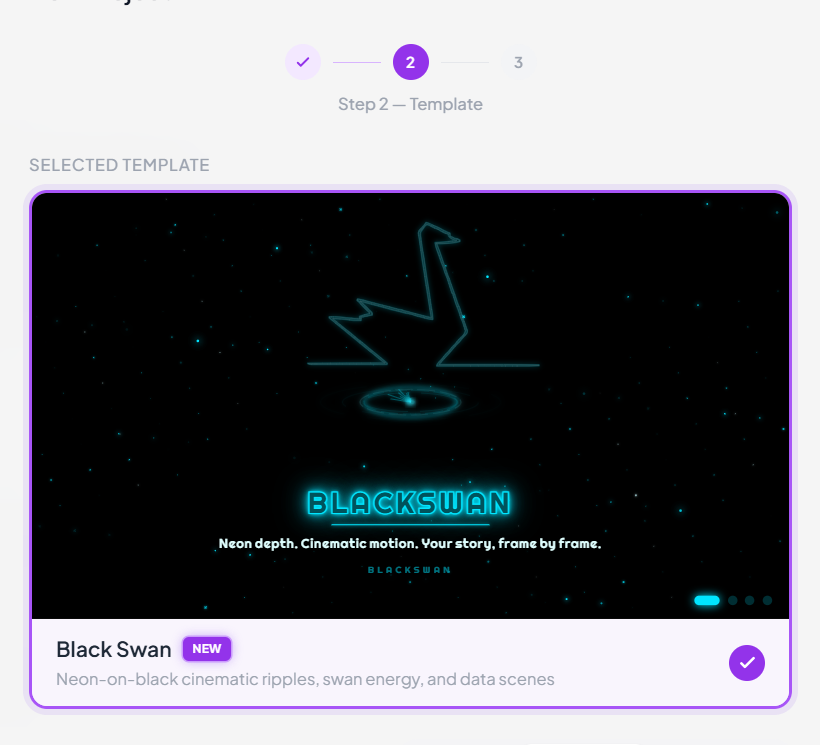
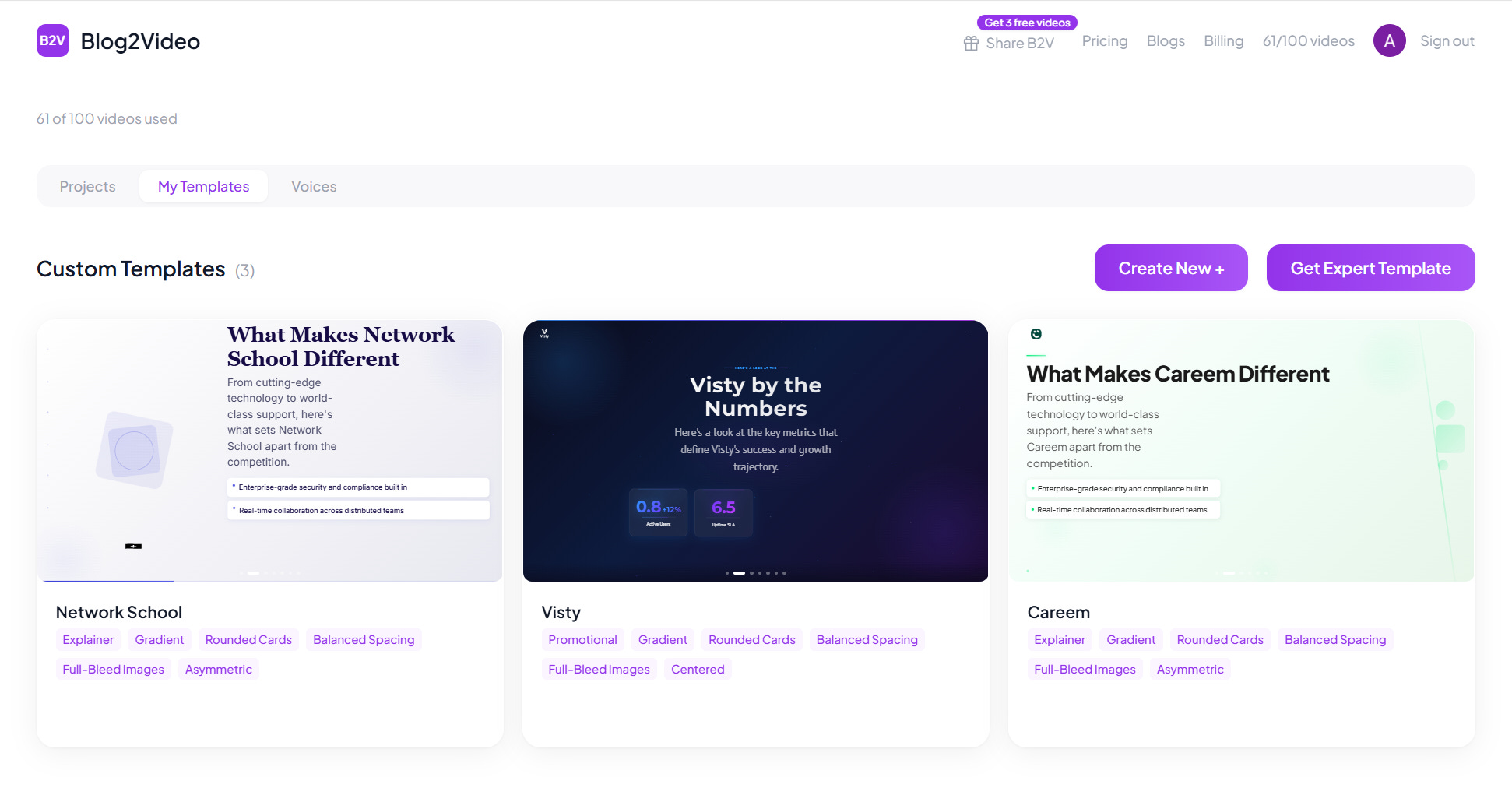
Custom Templates — Extract colors, fonts, and branding from your website to create a reusable template you can use everywhere.
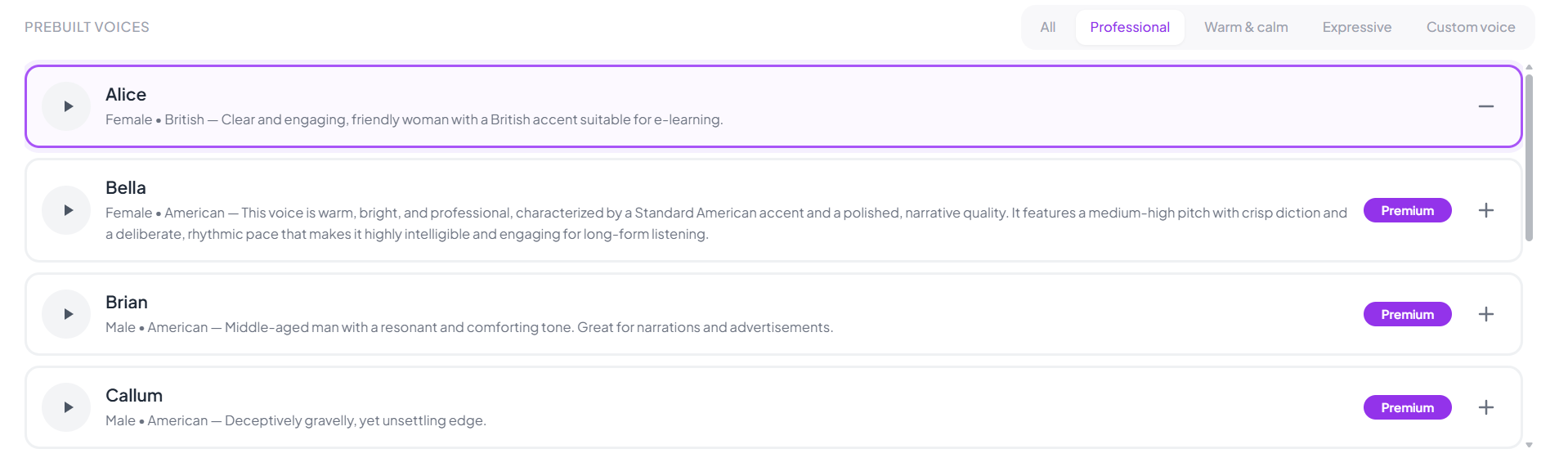
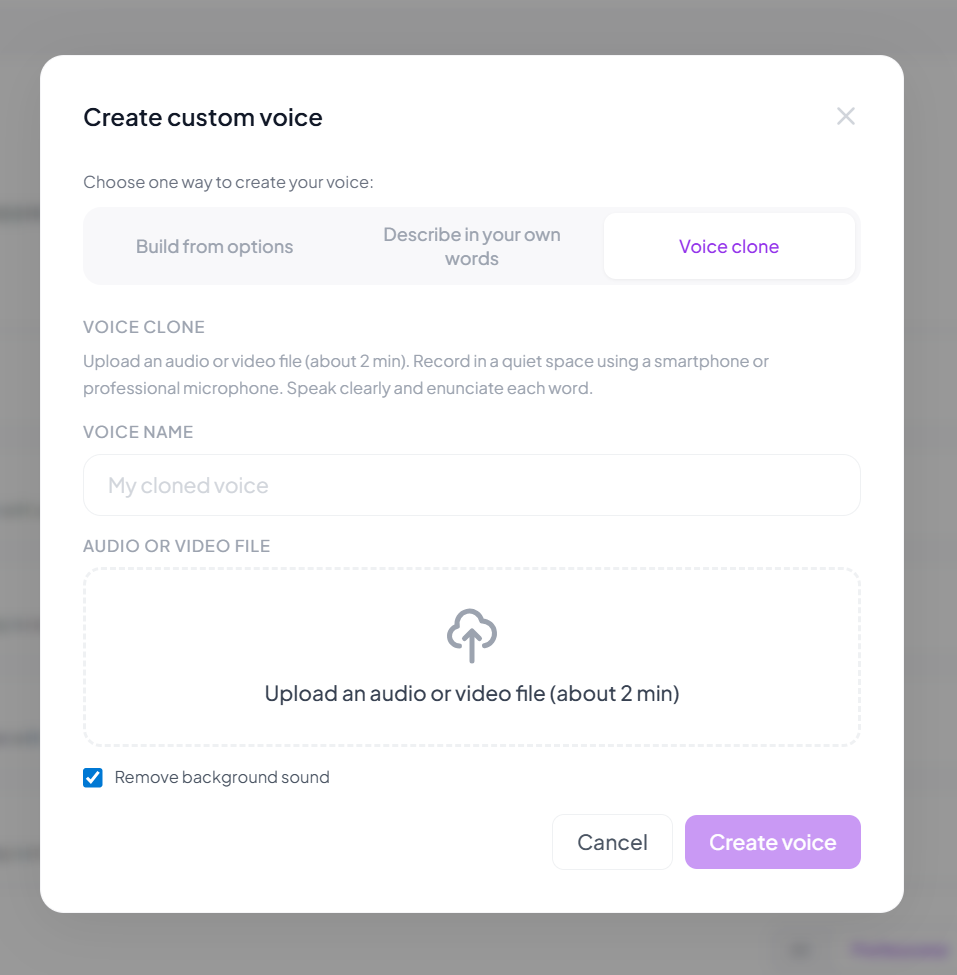
Voice Cloning & Premium Voiceovers — Expanded capabilities to include voice cloning and custom voice generation, along with access to the full library of voiceovers from ElevenLabs.
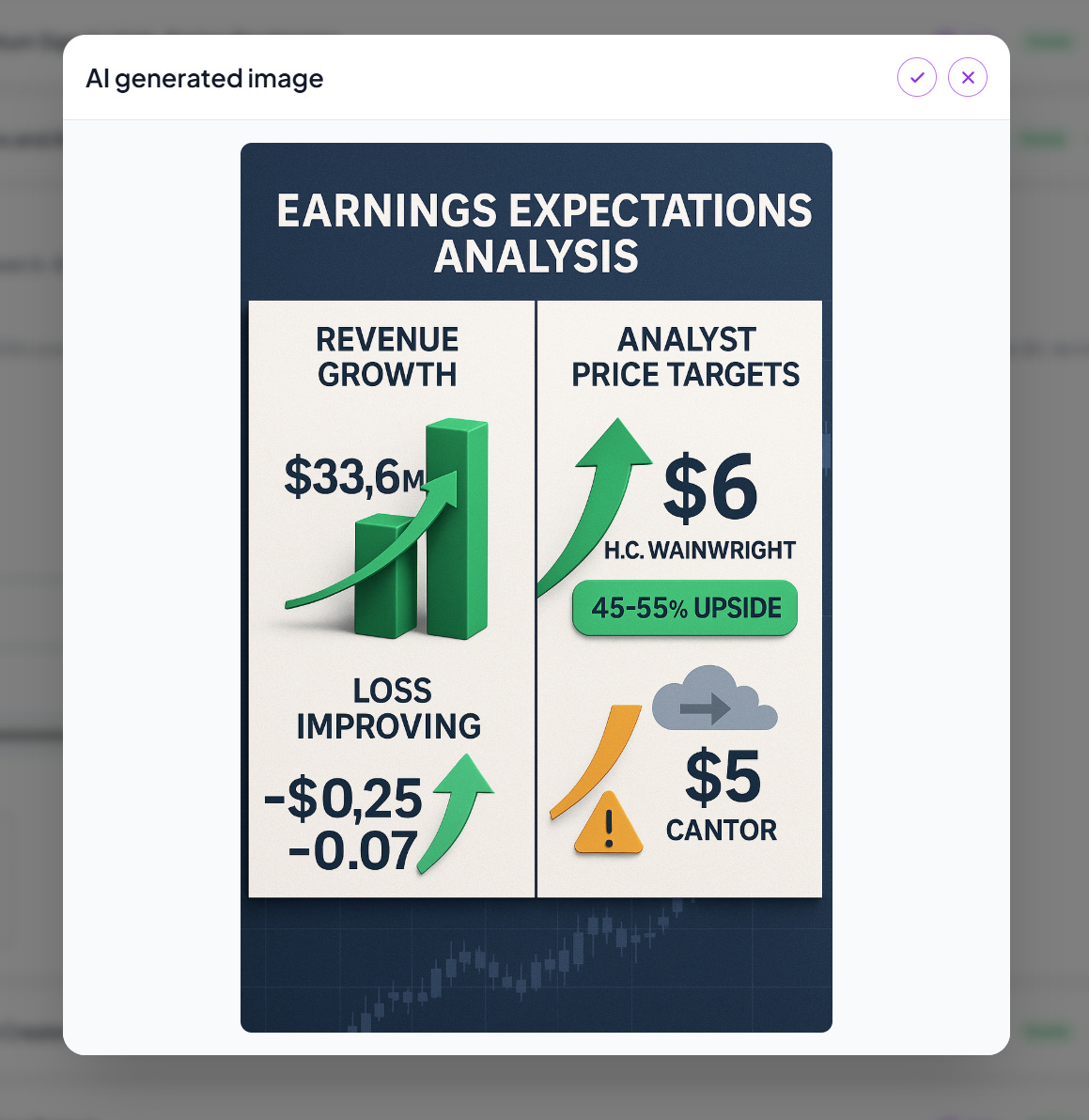
AI Images & Image Editing — Use Gemini 3.1 to generate images for each scene, with options to crop and adjust positioning.
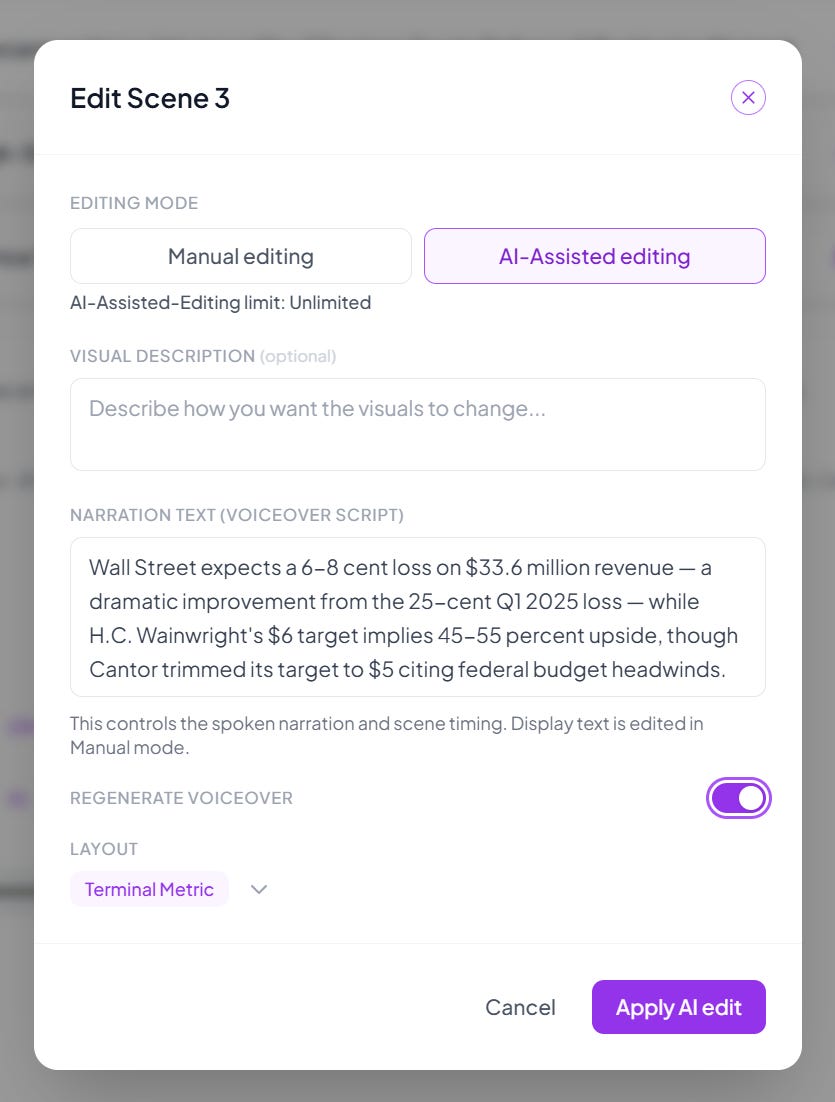
AI Scene Editing — Edit scenes using AI.
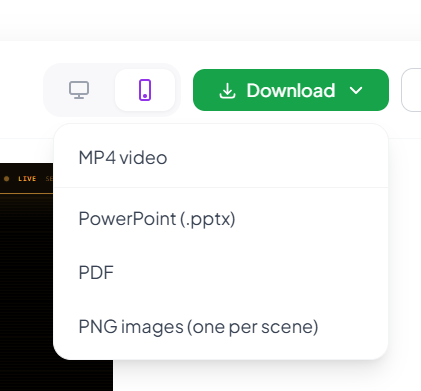
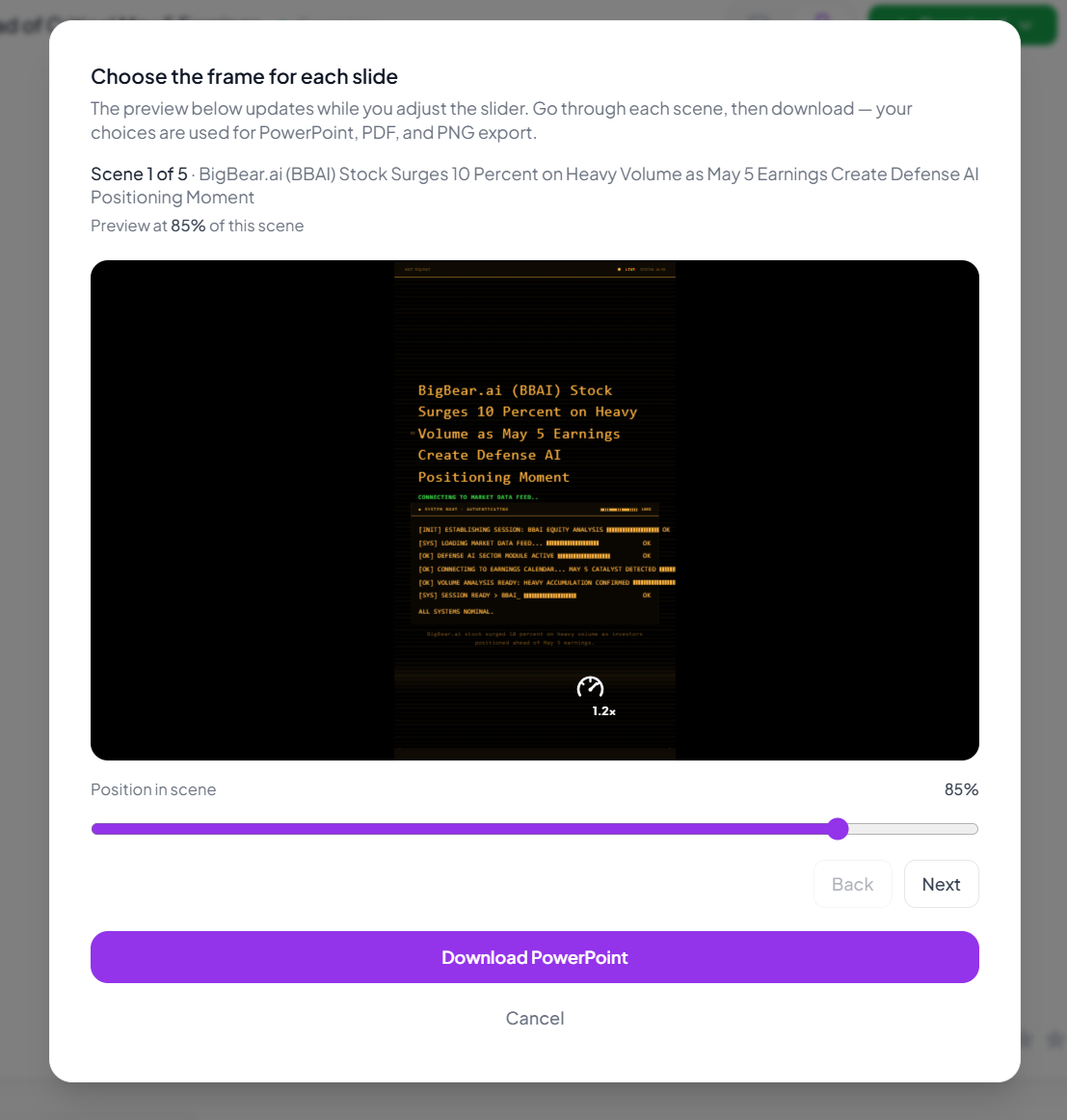
More Download Options — Download content as video, PPT, PDF, or PNG—perfect for LinkedIn carousels or video creation.
Data Visualization — Added built-in data visualization capabilities.
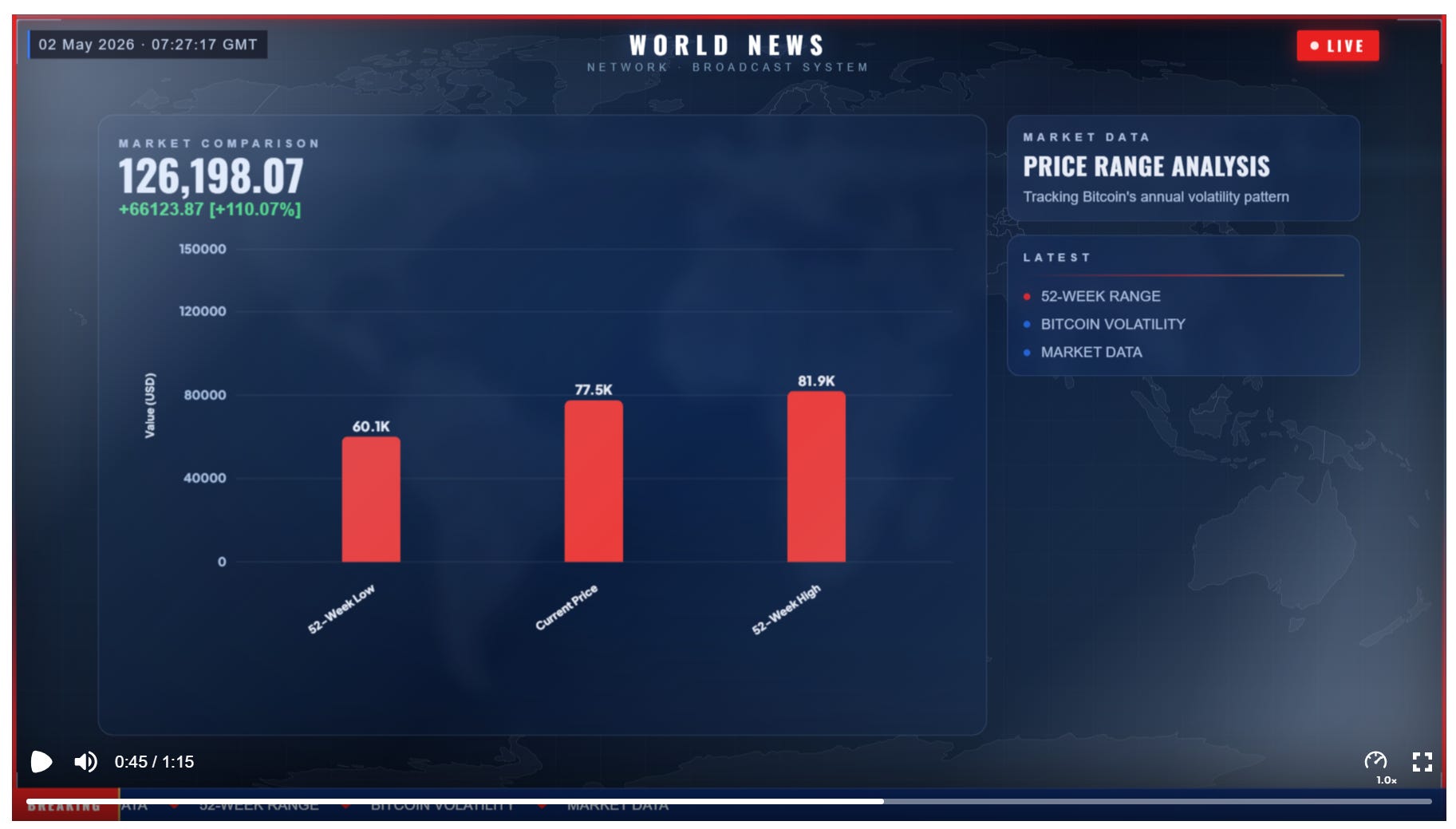
Script Control — You can now control the script detail and tone.
Features in pipeline!
Other than the new templates, here are some of the top features in our pipeline:
Template Studio — A studio that allows users to create their own templates. We’re currently using something similar internally to design our templates, and we’ll soon be releasing a user-facing version as well.
AI Scene Generation — The ability to add a new scene simply by prompting it.
Enhanced Data Visualization — Upload CSV or Excel files and automatically generate visualizations based on the data.
Enhanced Custom Templates — A new version of custom templates that lets you adapt existing templates and turn them into fully branded versions of ones already available in the system.
In addition to this, we would love any feedback from our users.
Thank you for reading, and as promised a little gift for being patient!
Add this promocode at checkout to get 10% off on any of our plans!
SUBSTACKB2V — All caps, add in stripe checkout for 10% off.